
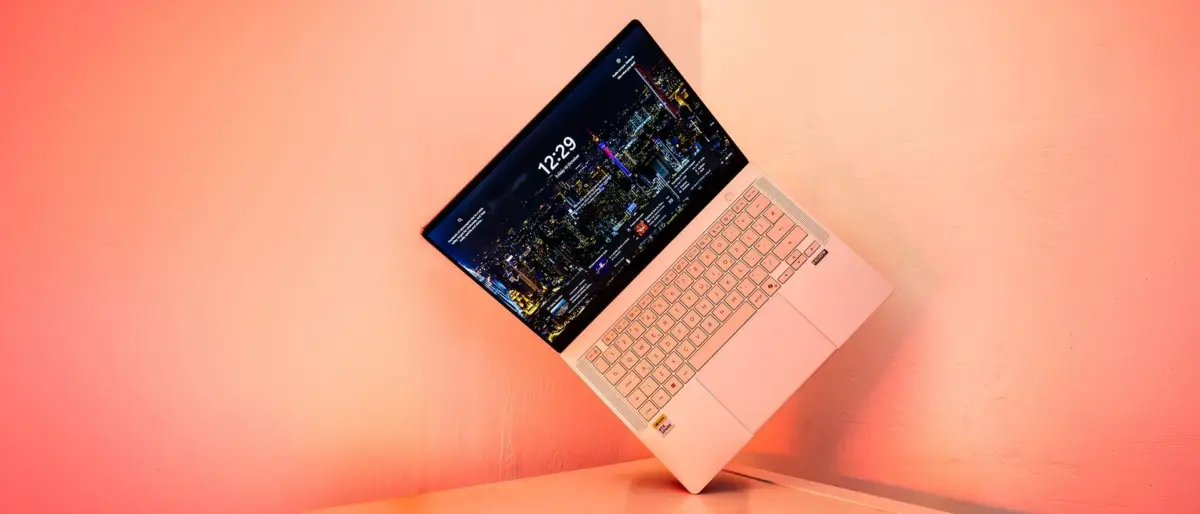
The arrival of a new processor architecture is a rare and significant milestone in the technology industry, often signaling a shift in how we conceive of portable computing. With the release of the ASUS ProArt P14, we are witnessing the debut of the NVIDIA RTX Spark platform—a bold marriage of high-performance Arm-based silicon and cutting-edge graphics. While this review focuses specifically on the ProArt P14 hardware, it is impossible to separate the machine from the platform it introduces. The RTX Spark combines NVIDIA’s Grace CPU architecture with its Blackwell-generation GPUs, aiming to solve a long-standing grievance among creative professionals: the lack of high-end, discrete graphical power paired with the efficiency of Arm-based processing.
For years, creative users have watched the evolution of Arm-based chips, such as the Snapdragon series, with a mixture of admiration and frustration. While those chips offered exceptional battery life and efficiency, they were rarely paired with the kind of heavy-duty GPUs required to make demanding creative applications truly sing. The RTX Spark appears to be the industry’s definitive answer to those prayers. However, NVIDIA’s primary target with this system is not necessarily the traditional video editor or the hardcore gamer, but rather the burgeoning field of AI development and the local execution of AI agents. This strategic pivot has the fortunate side effect of creating a machine that is remarkably potent for creative work, even if the software ecosystem is still racing to catch up with the hardware.
Design, Build Quality, and the Mobile Professional
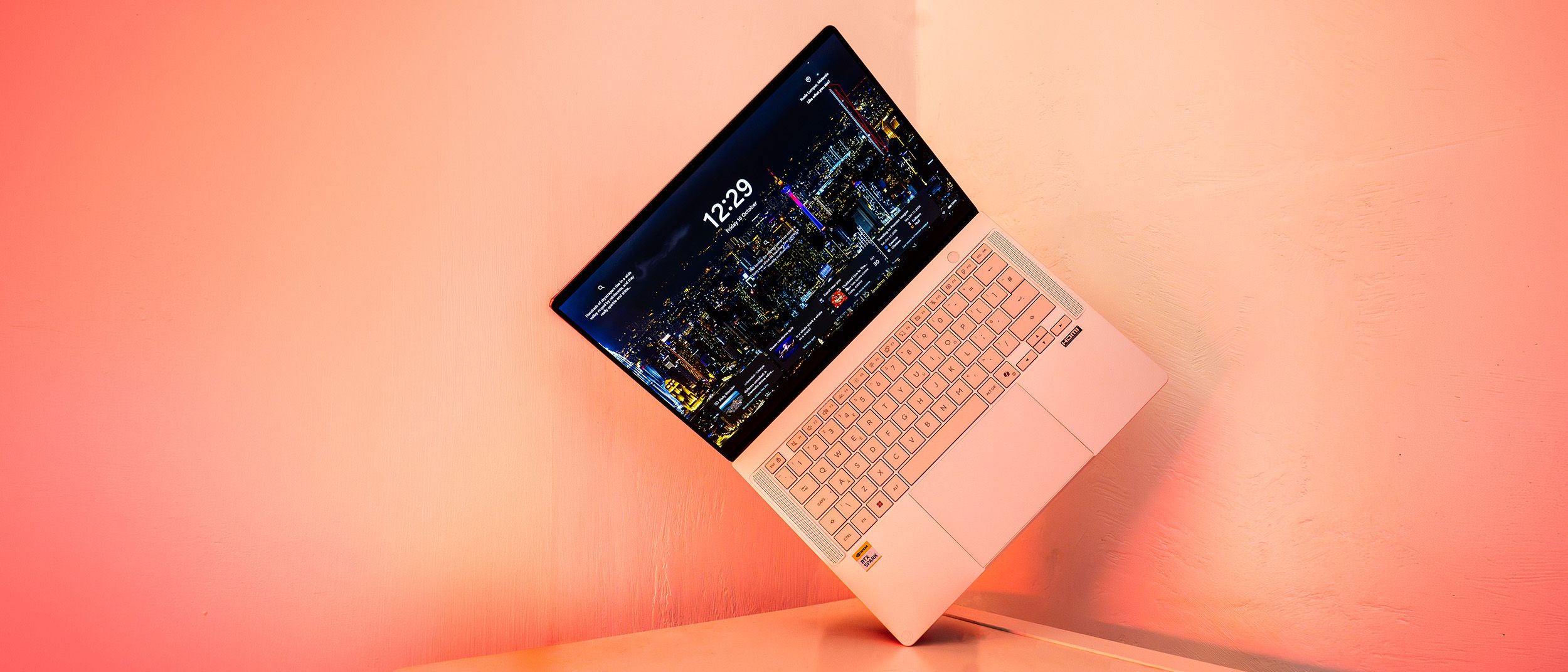
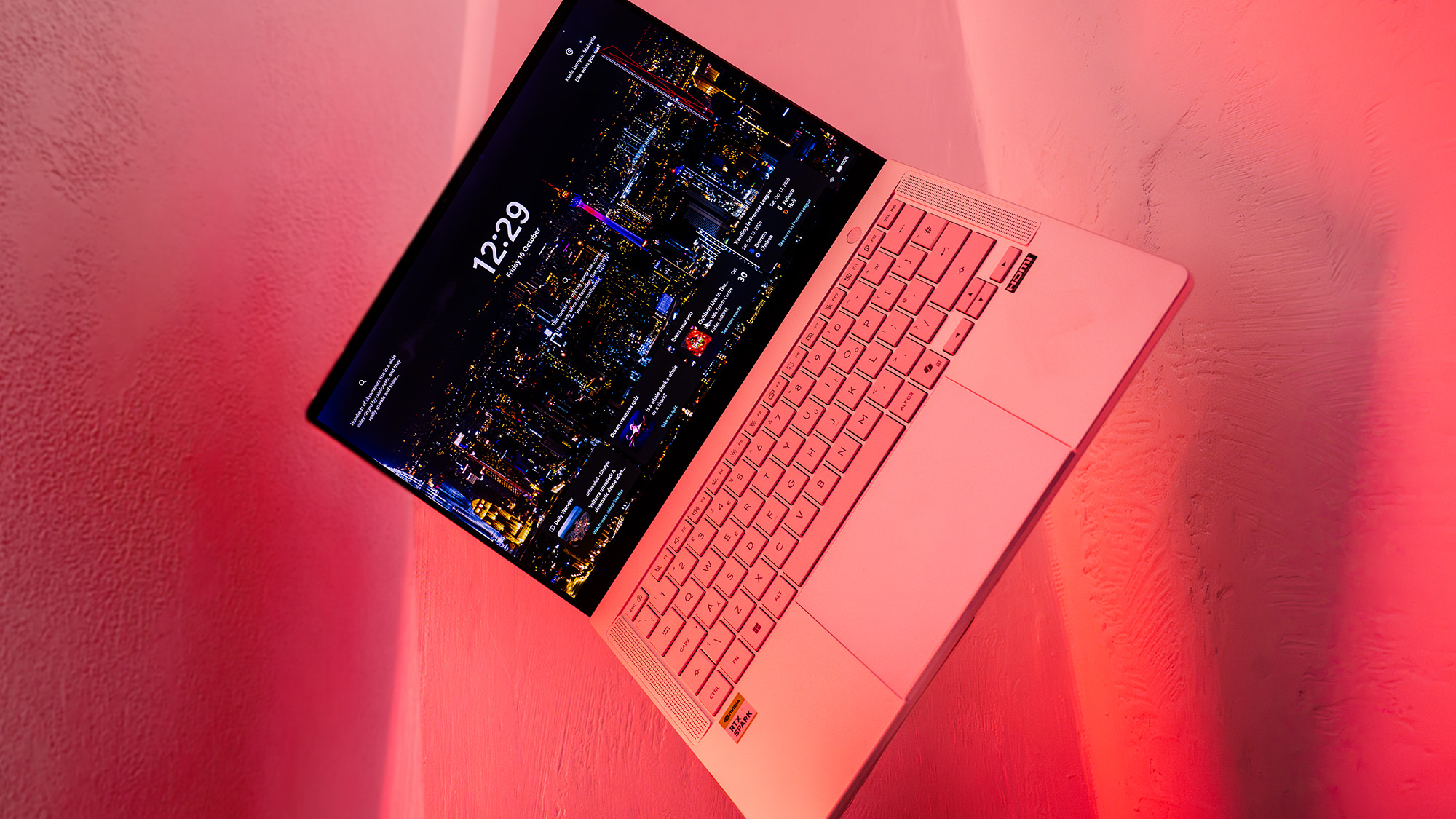
The ASUS ProArt P14 is the more compact sibling to the larger P16, and its design reflects a deep understanding of the modern professional’s needs. Weighing in at a highly portable 1.48kg, it is a machine designed for the remote worker, the traveling consultant, or the designer who moves frequently between the studio and the field. The chassis is a masterclass in modern engineering, featuring a lightweight metal shell that feels premium and robust under the fingers. Eschewing the traditional, flashy ASUS branding for a more understated ProArt aesthetic, the laptop presents a sophisticated image that fits naturally into a professional environment.
When placed side-by-side with a 14-inch MacBook Pro, the P14’s intended competition becomes immediately apparent. ASUS has clearly targeted the professional demographic that values both form and function. The metal finish has a light, magnesium-esque quality that distinguishes it from Apple’s Space Grey, and the keyboard offers a tactile experience that many may find superior to the MacBook. There is a satisfying depth to the key travel that provides a more responsive feeling during long typing sessions, a detail that writers and coders alike will appreciate.
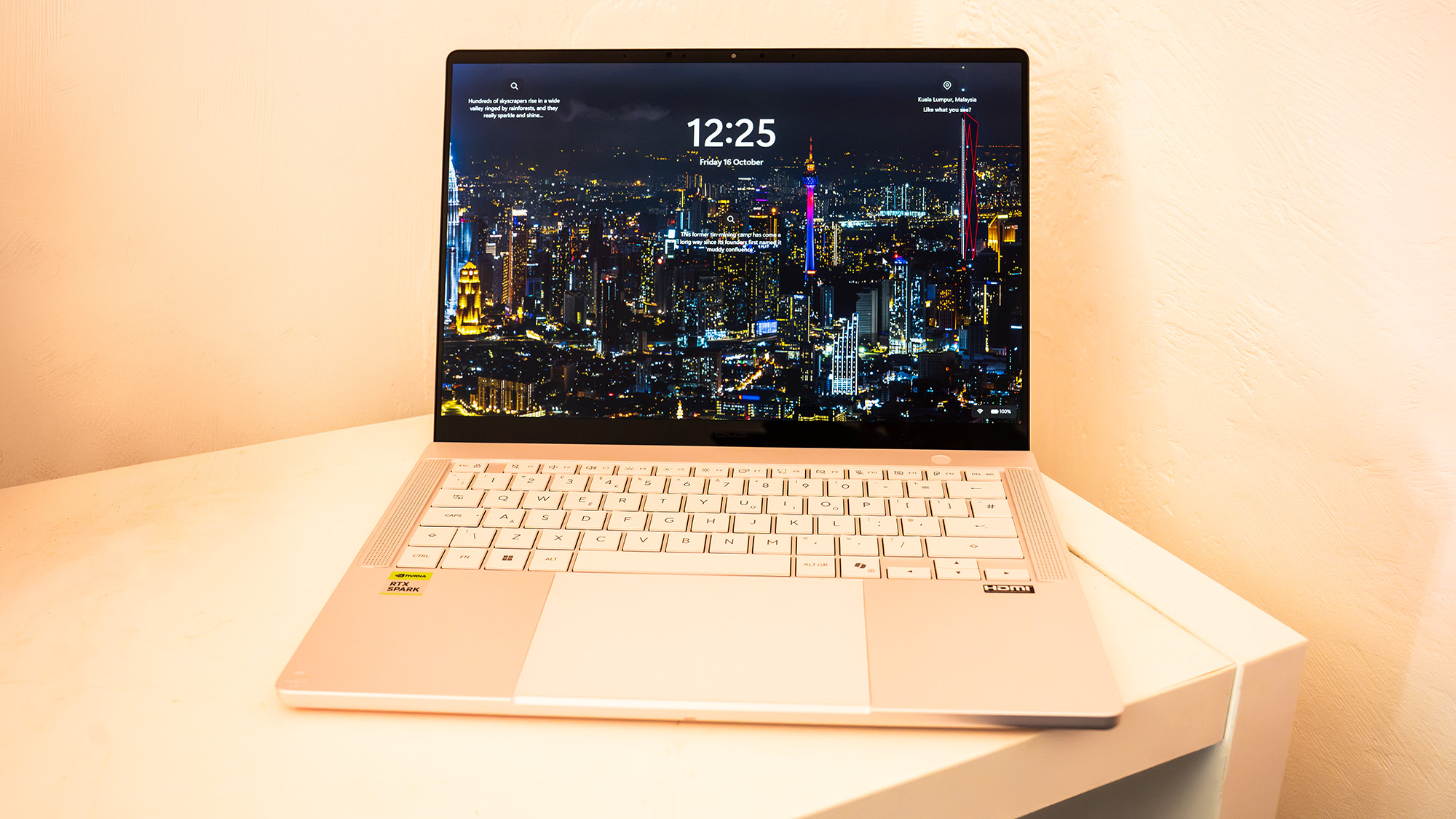
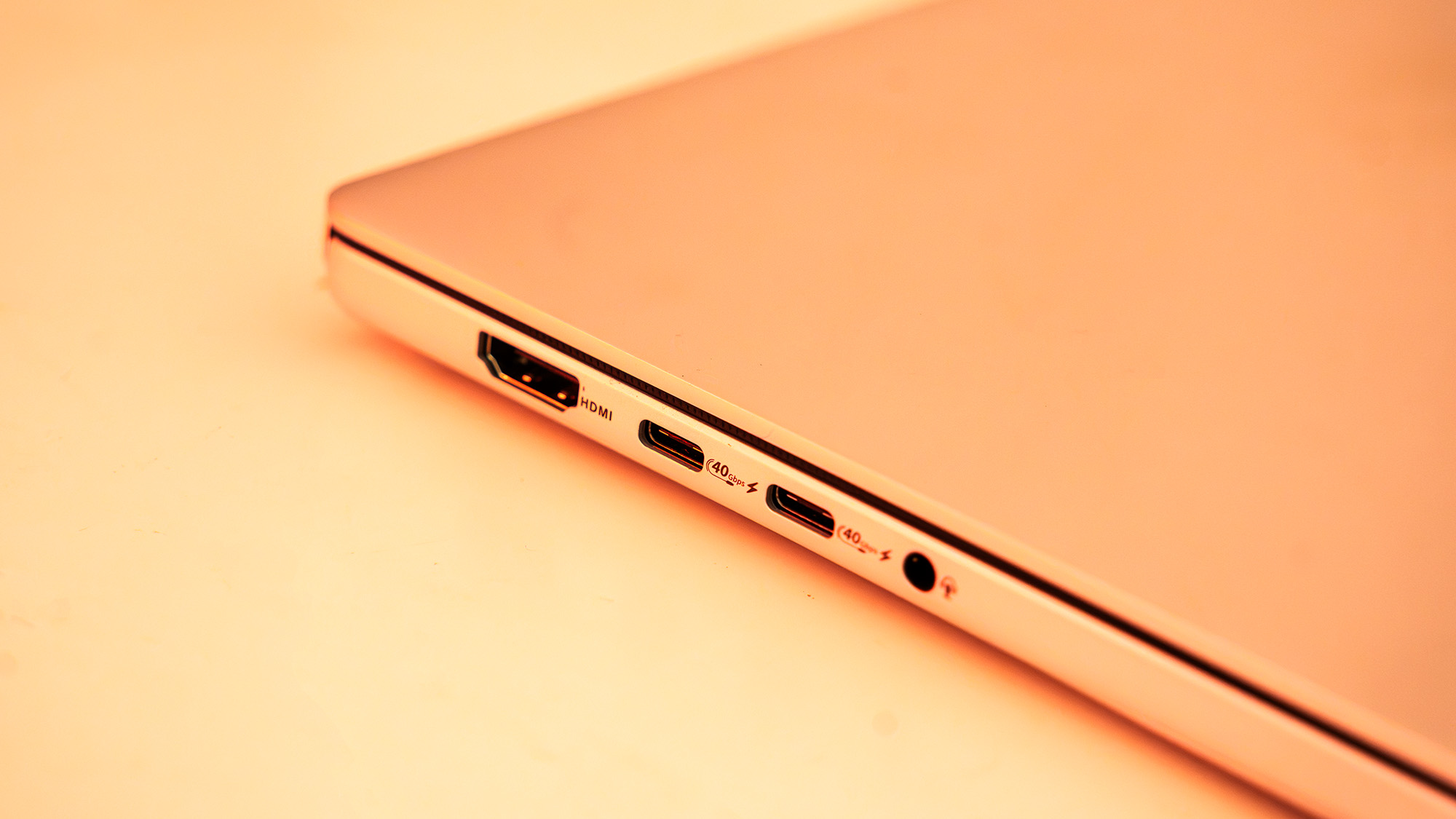
Connectivity is another area where the ProArt P14 excels. Despite its thin profile, it manages to include a generous array of ports. It features three USB4 ports, a single USB 3.2 Gen 2 Type-A port, and a full-size HDMI 2.1 output. This variety ensures that users can connect to high-resolution external monitors and various peripherals without the constant need for dongles. Furthermore, the inclusion of an SD card reader is a vital inclusion for photographers and videographers who need to offload footage quickly while on location.
The Lumina Pro OLED: A Visual Powerhouse
Central to the ProArt P14’s appeal is its 14-inch Lumina Pro OLED touchscreen. ASUS has consistently led the market in OLED implementation, and this panel is no exception. With a resolution of 2880 x 1800 and a 120Hz refresh rate, the display provides a level of fluid motion and sharpness that makes every interaction feel instantaneous.
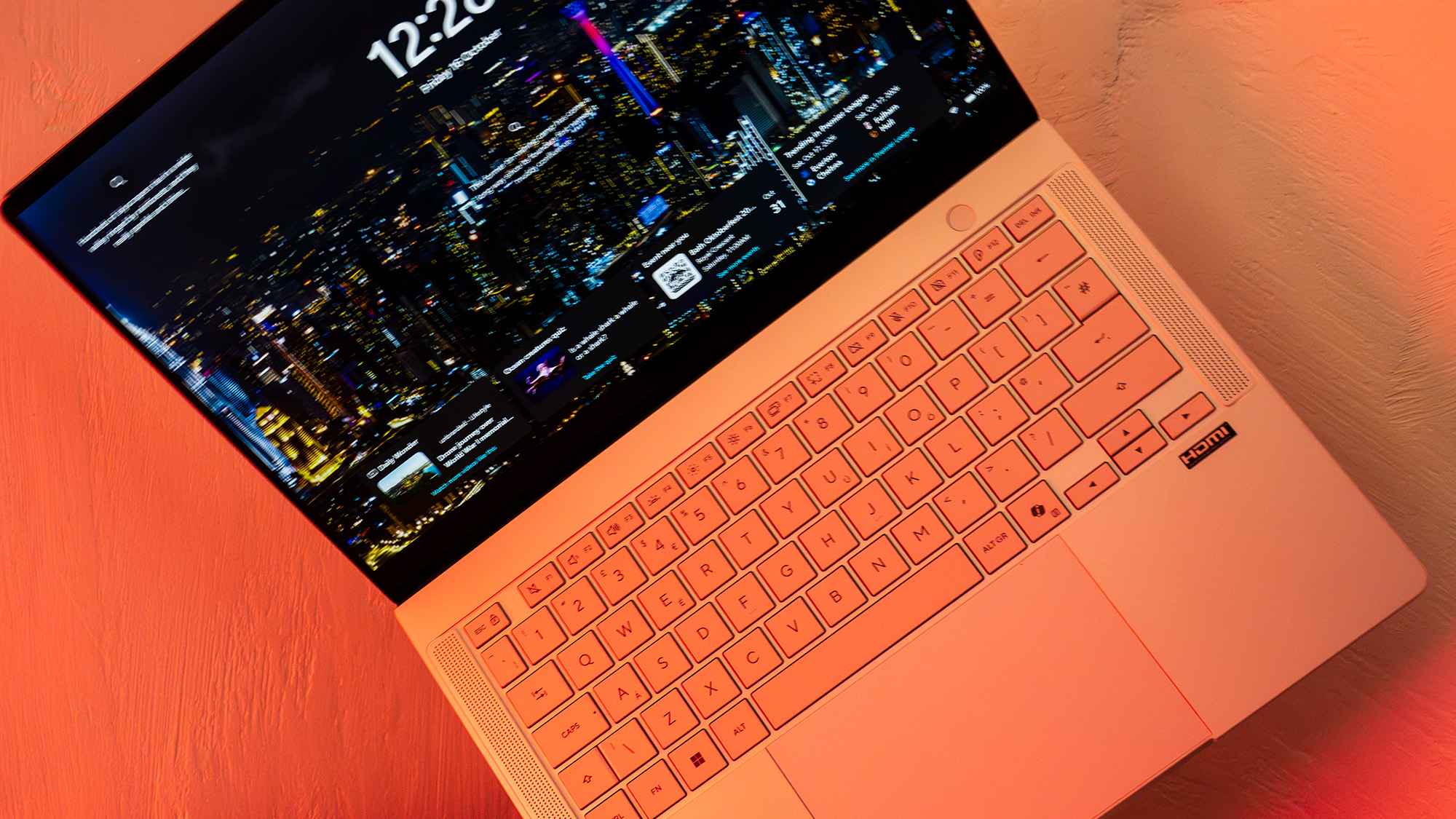
In terms of color performance, the display is a dream for visual artists. Testing reveals that the panel covers 97% of the DCI-P3 color gamut, 100% of sRGB, and 94% of Adobe RGB. This level of accuracy makes it a reliable choice for color grading, print design, and high-end photo editing. The screen’s brightness is equally impressive, reaching a measured maximum SDR brightness of 640 nits. This ensures that the display remains legible even in challenging lighting conditions, such as working near large windows or outdoors. Whether you are retouching high-resolution images or simply browsing the web, the punchy colors and deep blacks characteristic of OLED technology make for a superior viewing experience.
Under the Hood: The RTX Spark Architecture
The true heart of the ProArt P14 is the NVIDIA RTX Spark N1X SoC (System on a Chip). This 20-core processor is built on NVIDIA’s Grace microarchitecture, which has previously been utilized in high-end server environments but is making its consumer debut here. The core configuration is designed for a balance of power and efficiency, featuring ten Cortex-X925 cores for high-performance single-threaded tasks and ten Cortex-A725 cores to handle background processes and more efficient operations.
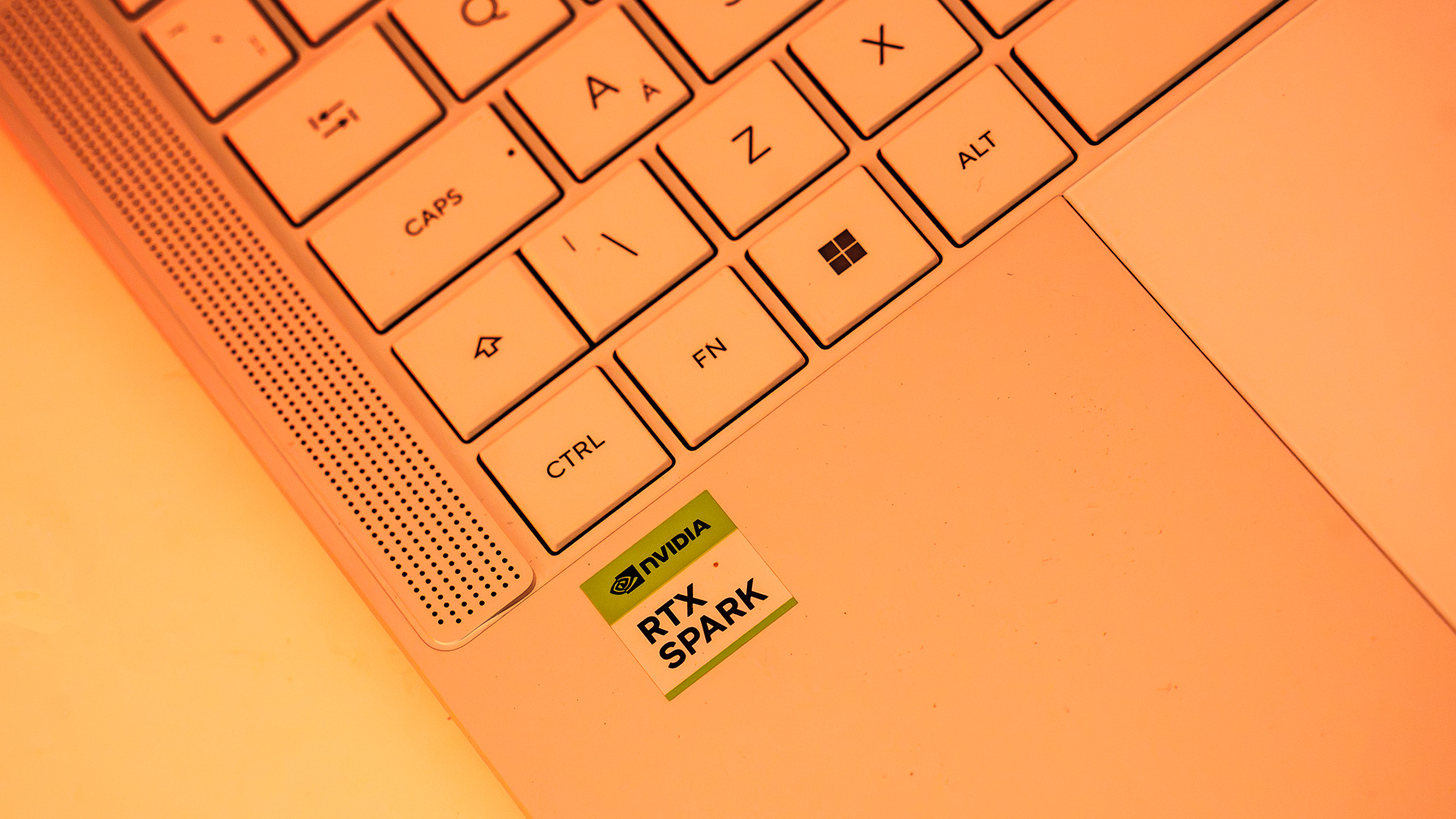
This powerful CPU is paired with a Blackwell-based RTX GPU boasting 6,144 CUDA cores. This puts the graphical performance of the Spark somewhere in the competitive range between the laptop versions of the RTX 5070 and RTX 5080. One of the most significant architectural choices here is the use of a unified memory architecture. Unlike traditional systems where the CPU and GPU have separate pools of RAM, the RTX Spark shares a single pool of high-speed 9400MT/s memory via the NVLink-C2C interconnect. This interconnect provides 600 GB/s of bidirectional bandwidth, allowing the different components of the SoC to communicate far more rapidly than they would over a standard PCIe connection.
The review unit came equipped with 32GB of RAM, which is the current sweet spot for most professional workflows. However, because the memory is shared between the CPU and the GPU, users must be diligent about their requirements at the time of purchase. The system supports up to 128GB, and given the unified nature of the architecture, opting for more RAM is often a wise investment for those working with large AI models or complex 3D scenes.
Performance and the AI Frontier
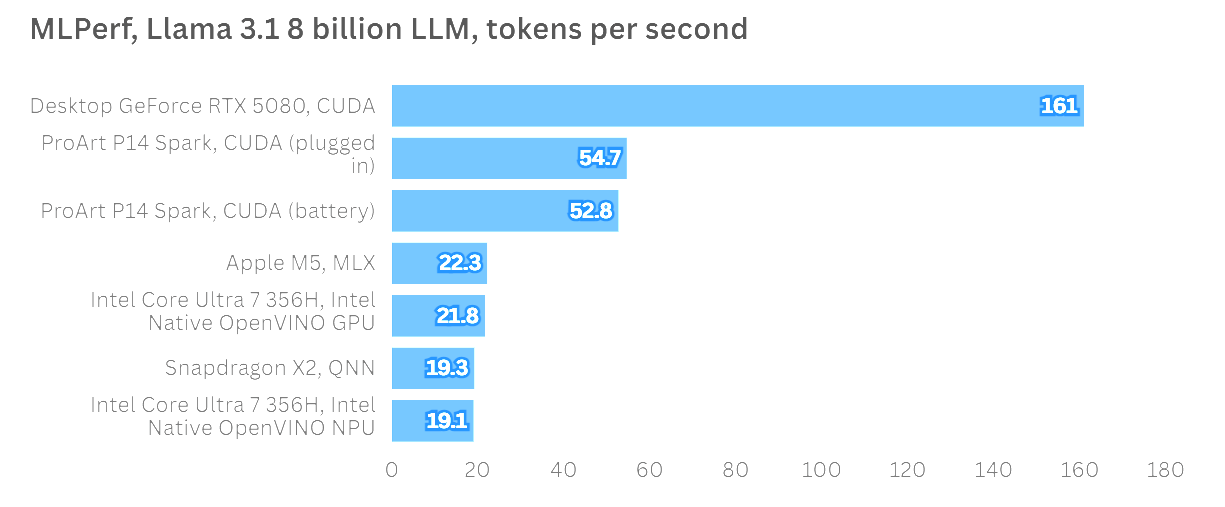
NVIDIA is positioning the RTX Spark as the premier platform for the "AI Agent" era. To test this claim, we looked beyond traditional benchmarks to see how the machine handled large language models (LLMs). Using the MLPerf framework to run the Llama 3.1 8 Billion Instruction benchmark, the ProArt P14 demonstrated its prowess. It produced more than double the tokens per second of Apple’s standard M5 chip. Notably, the performance remained consistent whether the laptop was plugged into a wall outlet or running on its internal battery—a feat that highlights the efficiency of the Grace architecture.
In more traditional creative and gaming tests, the results were a mixture of raw power and early-software hurdles. In Cyberpunk 2077, running at native resolution with Ray-Tracing Ultra settings, the P14 managed a steady 60FPS by utilizing NVIDIA’s DLSS and frame-generation technologies. This performance puts it on par with dedicated gaming laptops equipped with RTX 5070 GPUs, which is remarkable for a machine this thin.
However, the "first-generation" nature of the hardware became apparent in apps like Cinebench, which did not fully support the new GPU at the time of testing. Similarly, while Adobe is aggressively optimizing its Creative Cloud suite for this architecture, many features currently reside in beta versions of Photoshop and Premiere Pro. For tasks like video upscaling in Topaz Video AI, the P14 performed respectably but sat slightly behind some lower-end gaming laptops, likely due to a lack of software-side optimization rather than a lack of raw hardware power.
Efficiency, Battery Life, and Thermal Management
One of the primary benefits of the Arm-based Grace CPU is its efficiency. The entire SoC has a Total Graphics Power (TGP) of just 85W. Compare this to high-end Intel or AMD-based gaming laptops that can pull up to 175W, and the advantage becomes clear. This lower power draw translates directly into better battery life and more manageable thermals.
In our testing, the ProArt P14 delivered "all-day" battery life for standard productivity tasks. If you are primarily editing documents, browsing, and streaming video, you can expect between 8.5 and 11 hours of use. However, intensive AI workloads or 3D rendering will drain the battery significantly faster. Thermal management is generally good, though the fans do engage even under moderate loads when the system is set to "Performance" mode. For those who prioritize silence, a "Whisper" mode is available, which significantly reduces fan noise at the cost of some peak performance.
The Cost of Innovation
The most significant barrier to entry for the ASUS ProArt P14 is undoubtedly its price. Innovation of this magnitude rarely comes cheap, and the RTX Spark platform carries a heavy premium. The 24GB RAM configuration starts at approximately $2,599 (£2,699.99), with the 32GB model jumping to $3,099.99 (£3,199.99).
When compared to the broader market, these figures are daunting. A 14-inch MacBook Pro with an M5 chip and 32GB of RAM can often be found for less. For many traditional creatives, the high cost and current software compatibility issues may make it difficult to justify the P14 over more established Intel, AMD, or Apple alternatives. However, for those working on the cutting edge of AI development who need a portable machine capable of running complex agents locally, the price may be a secondary consideration to the unique capabilities of the RTX Spark platform.
Final Thoughts
The ASUS ProArt P14 is a pioneering device that marks the beginning of a new chapter for NVIDIA and the Windows on Arm ecosystem. It is a beautifully constructed, highly portable machine that offers a glimpse into a future where AI is integrated into the very fabric of our computing experience. The Lumina Pro OLED display is world-class, the battery life is impressive for a professional workstation, and the underlying RTX Spark architecture shows immense promise.
It is, however, a first-generation product. Early adopters will have to contend with software that hasn’t quite caught up to the hardware’s potential and a price tag that reflects the cost of being an industry trailblazer. For the average video editor or graphic designer, there are more cost-effective options currently available. But for the technologist, the AI developer, or the professional who must stay ahead of the technological curve, the ProArt P14 is a fascinating and powerful tool that delivers performance in ways few other laptops can match. One or two software updates could easily solve the compatibility issues, but the premium price remains the final hurdle for this otherwise stellar machine.