
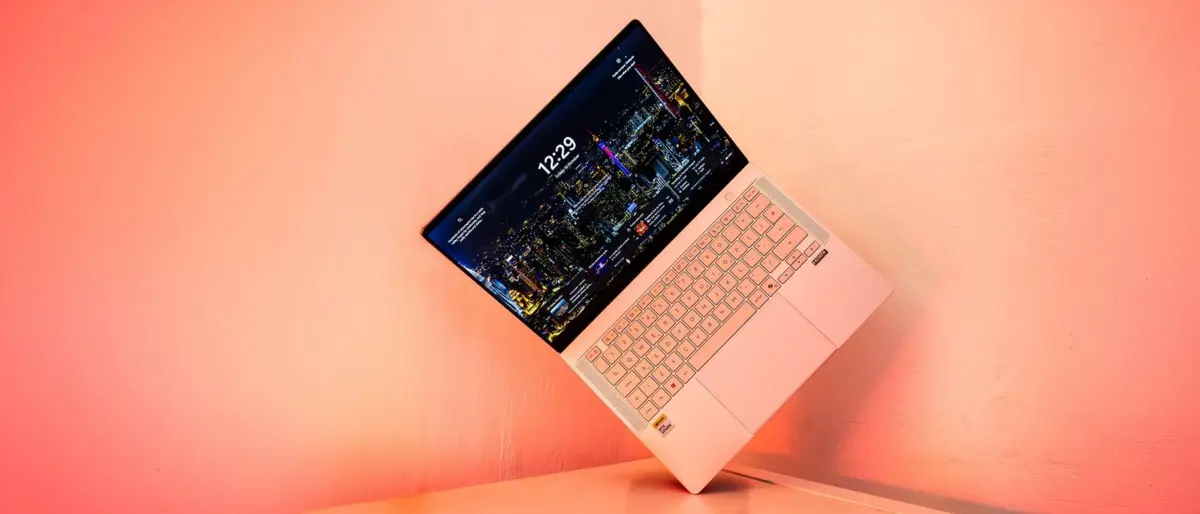
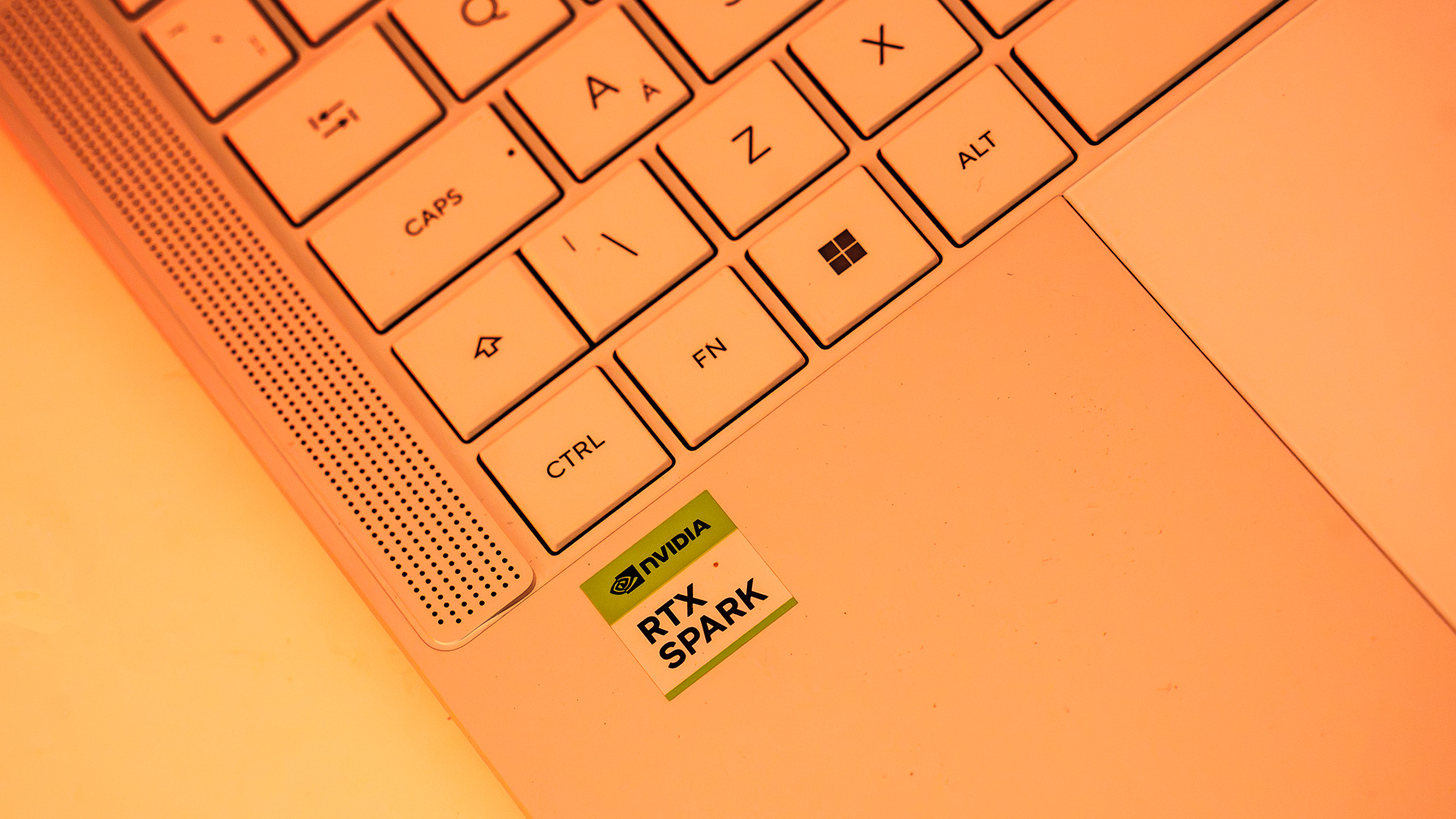
The landscape of mobile computing is currently undergoing a seismic shift, driven by the emergence of new processor architectures that promise to redefine what we expect from professional laptops. While much of the recent industry buzz has centered on the transition to Arm-based silicon for Windows machines, the arrival of the Nvidia RTX Spark platform marks perhaps the most significant challenge to the status quo yet. In the new ASUS ProArt P14, we find the first true consumer-facing vessel for this technology—a machine that attempts to marry the efficiency of Arm-based processing with the raw graphical power of Nvidia’s latest Blackwell architecture.
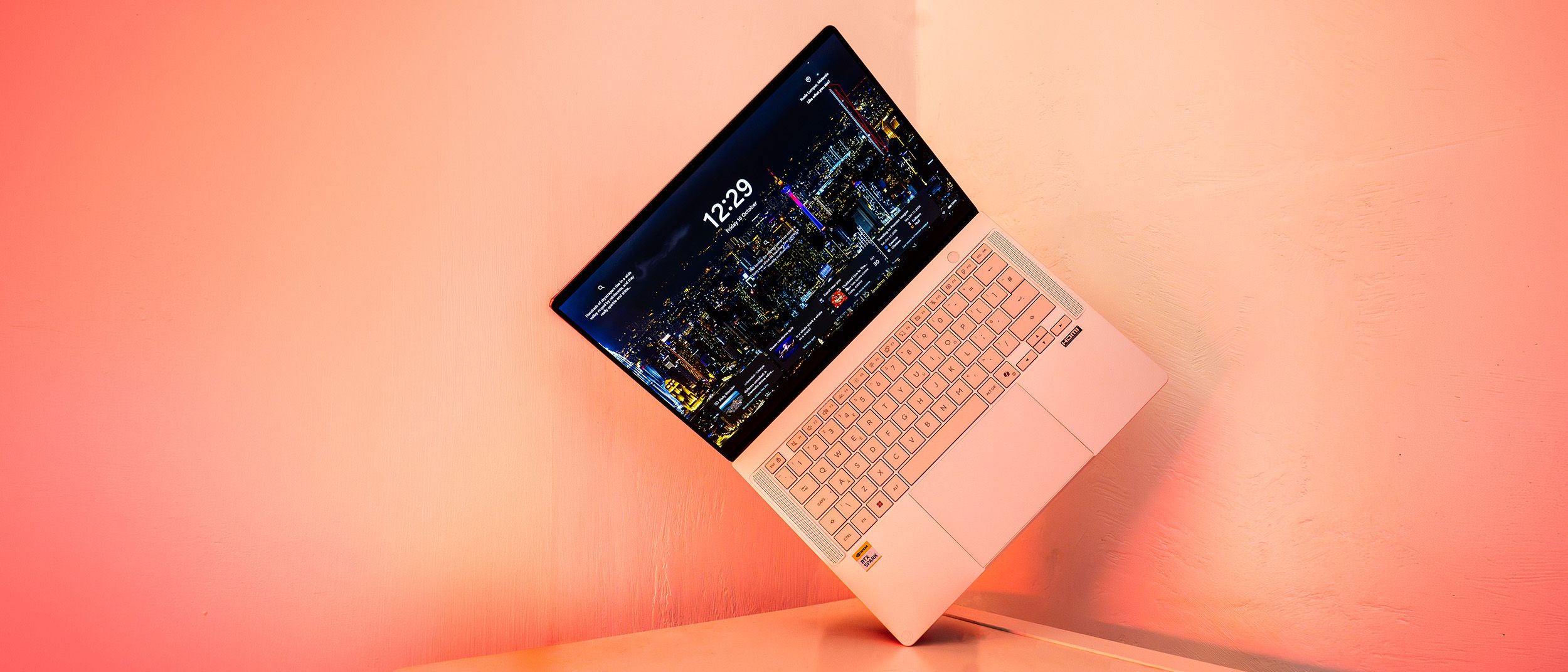
This review focuses specifically on the ASUS ProArt P14 rather than treating the RTX Spark platform as a purely abstract concept. However, it is impossible to separate the hardware from the silicon it houses. The P14 is a device of immense promise, characterized by exceptional benchmark scores, a beautifully realized thin-and-light chassis, and the kind of battery life that was once the exclusive domain of the MacBook Pro. Yet, as with all first-generation hardware, it faces the inevitable hurdles of early-stage software compatibility and a premium price tag that may give even the most successful creative professionals pause.
Key Specifications and the RTX Spark Architecture
To understand the ProArt P14, one must first look under the hood at the RTX Spark N1X SoC (System on a Chip). Nvidia has leveraged its Grace microarchitecture—previously a staple of high-end server environments—to create a 20-core CPU for the mobile market. This configuration is sophisticated, utilizing ten Cortex-X925 cores designed for high-intensity, single-threaded tasks, alongside ten Cortex-A725 cores optimized for power efficiency. This balance is intended to provide a "best of both worlds" scenario: peak performance when editing 8K video or rendering 3D scenes, and low power draw when handling routine administrative tasks.
The graphical heavy lifting is handled by a Blackwell-generation GPU featuring 6,144 CUDA cores. In terms of raw specifications, this places the Spark’s graphical capabilities somewhere between the laptop versions of the RTX 5070 and RTX 5080. What makes this particularly interesting for creatives is the NVLink-C2C interconnect, which facilitates 600 GB/s of bidirectional bandwidth between the CPU and GPU. This is significantly faster than standard PCIe connections, ensuring that data bottlenecks are virtually eliminated.
Furthermore, the RTX Spark platform adopts a unified memory architecture. Unlike traditional laptops where the CPU and GPU have separate pools of RAM and VRAM, the ProArt P14 shares a single high-speed pool of 32GB (9400MT/s) memory. While this approach—famously utilized by Apple’s M-series chips—allows for much more efficient data handling, it does mean that users must be certain of their memory requirements at the point of purchase, as the memory is not user-upgradeable.
Design, Build, and the Lumina OLED Display
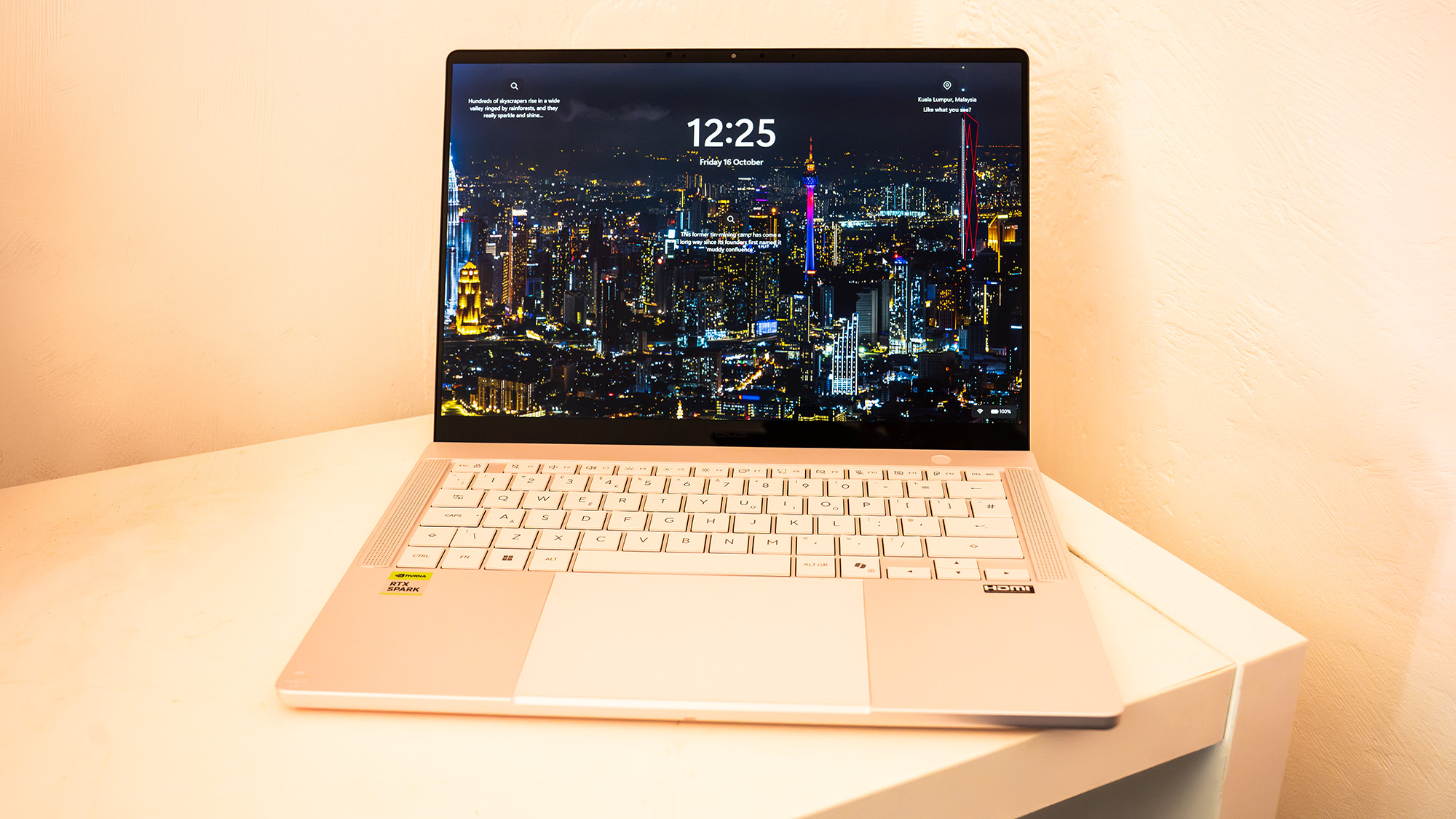
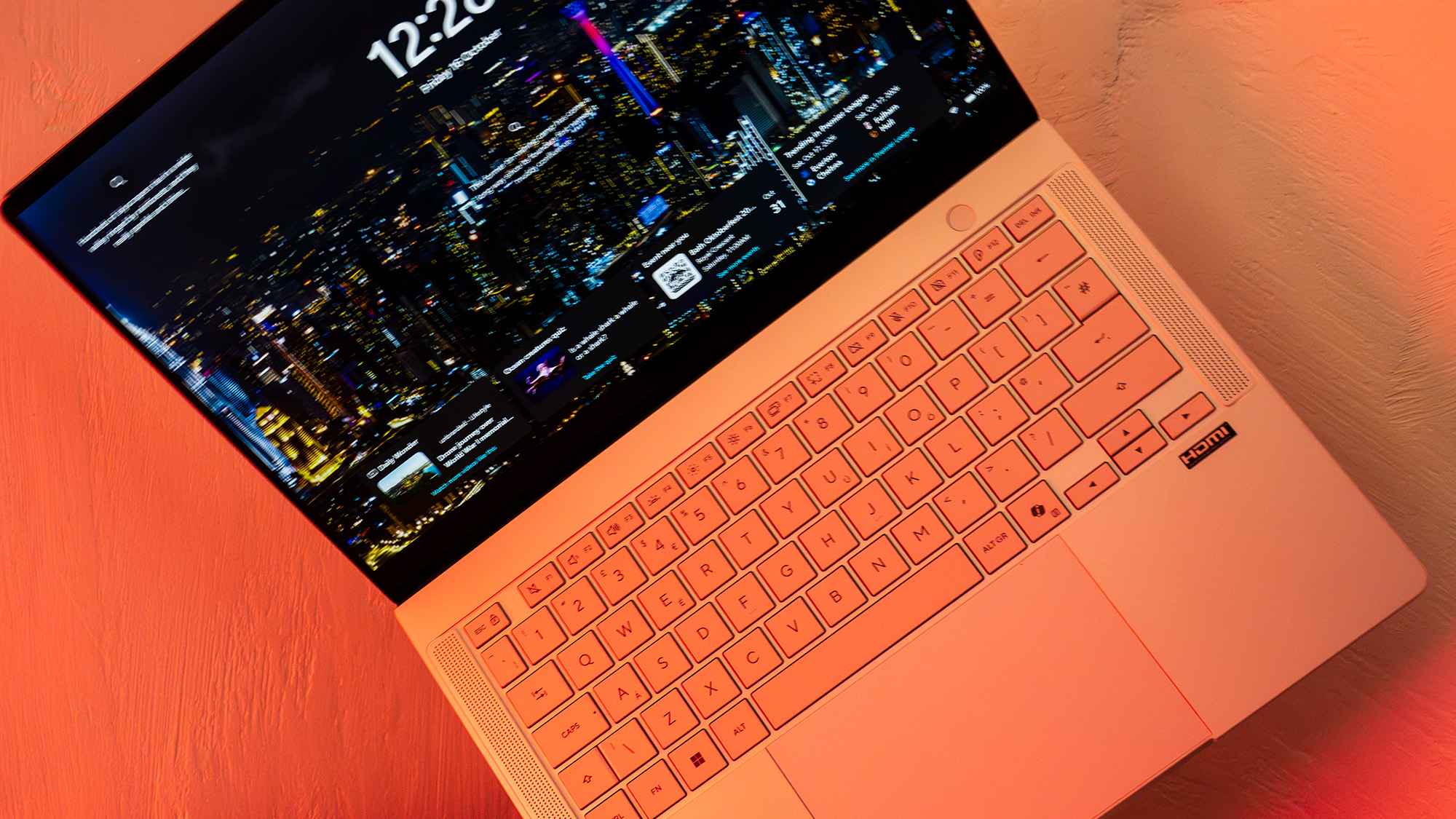
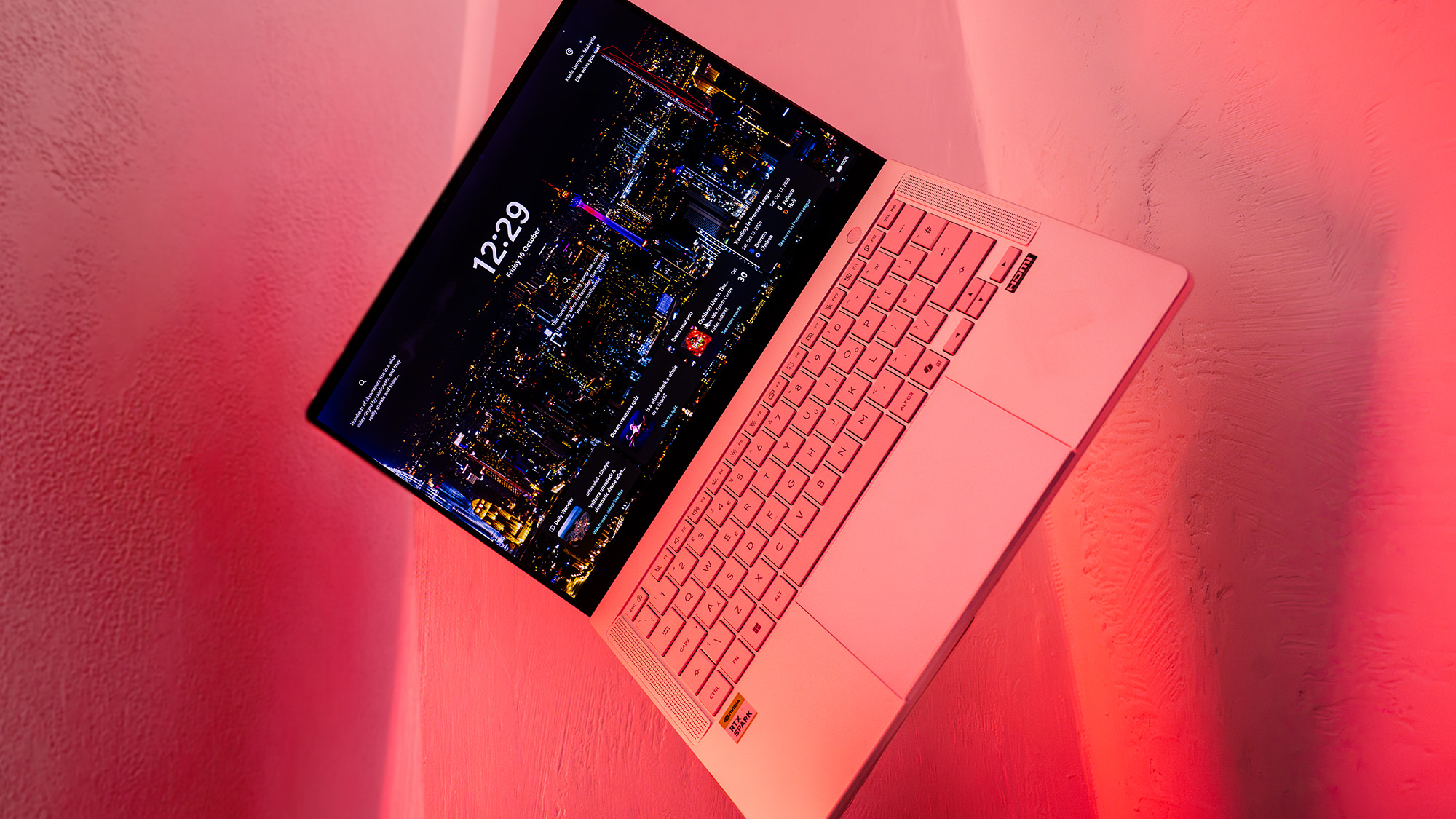
The ASUS ProArt P14 is the more compact sibling to the larger P16, and its design reflects a clear desire to capture the "pro-on-the-go" market. Weighing in at just 1.48kg with a thickness of 16mm, it is a remarkably portable machine that feels sturdy thanks to its high-quality metal shell. ASUS has opted for a minimalist aesthetic here; the loud "Republic of Gamers" styling of its other lines has been replaced by subtle ProArt branding and a sophisticated finish that leans more toward a matte magnesium look than the darker Space Grey of its competitors.
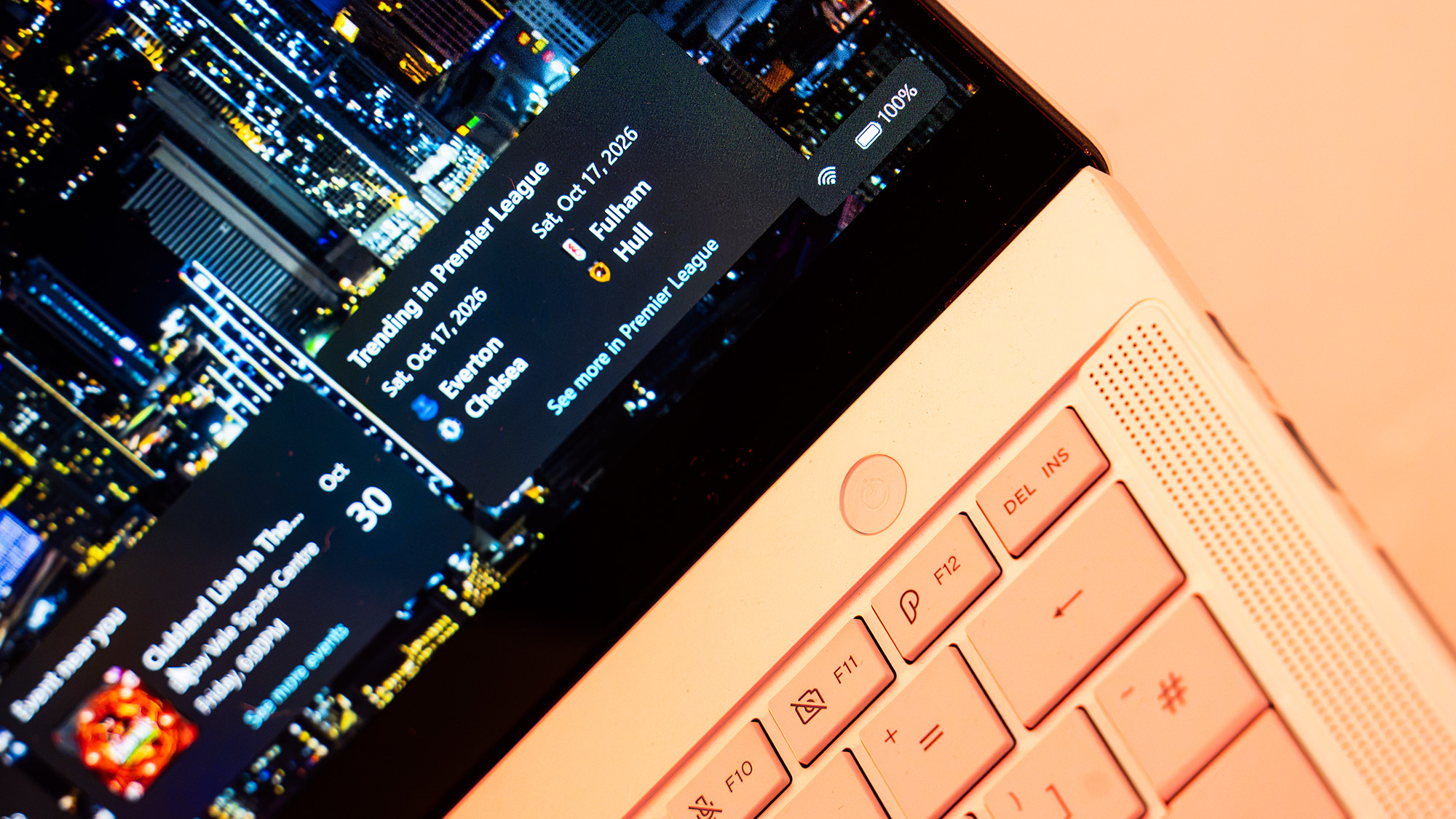
The tactile experience of the device is equally refined. The keyboard offers a surprising amount of travel for such a thin chassis, providing a more satisfying and "clicky" feedback than the relatively shallow keys found on the current MacBook Pro 14. Large speakers flank the keyboard, delivering clear, upward-firing audio that rounds out the premium feel of the build.
However, the centerpiece of the design is undoubtedly the 14-inch Lumina Pro OLED touchscreen. With a resolution of 2880 x 1800 and a 120Hz refresh rate, the display is a visual triumph. In our testing, the panel managed a maximum SDR brightness of 640 nits, which is exceptional for an OLED screen and makes it usable in a variety of lighting conditions. For color-critical work, the display is equally impressive, covering 97% of the DCI-P3 color gamut, 100% of sRGB, and 94% of Adobe RGB. Whether you are color grading video or preparing complex print designs, the P14 provides a level of accuracy and punch that is difficult to find elsewhere in this form factor.
Features, Connectivity, and Battery Life
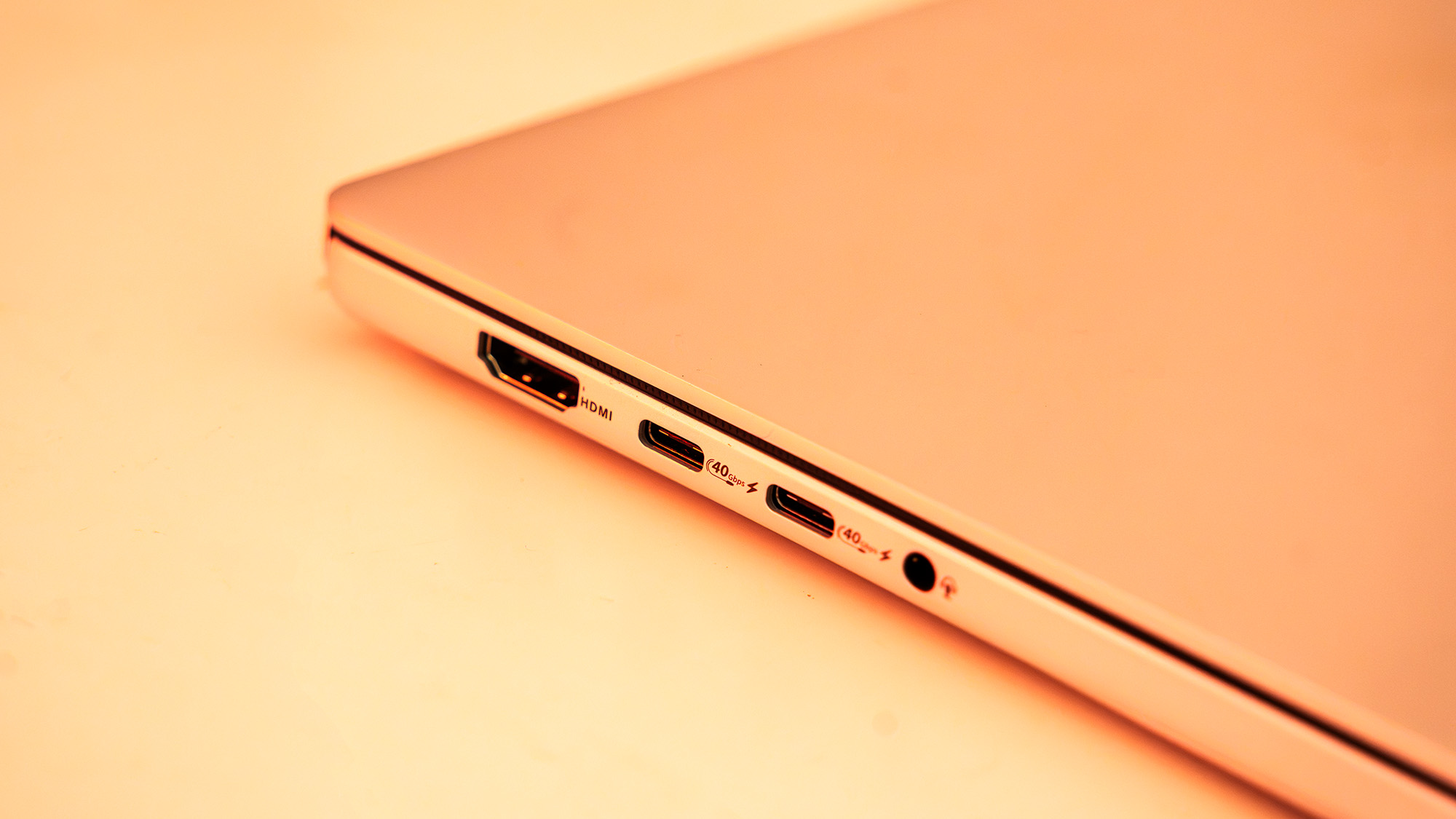
Despite its diminutive size, the ProArt P14 does not skimp on connectivity. It features a robust array of ports, including three USB4 ports, a full-size HDMI 2.1 output, and a dedicated SD card reader. The inclusion of an SD slot is a major boon for photographers and videographers who need to offload footage in the field without relying on a forest of dongles. Wireless connectivity is similarly cutting-edge, supporting Wi-Fi 7 and Bluetooth 5.4.
One of the most touted benefits of the Arm-based Grace CPU is its efficiency, and this translates directly into battery performance. In our video looping tests, the ProArt P14 lasted more than 11 hours on a single charge. For more varied workloads, including web browsing and document editing, the machine comfortably clears the 8.5-hour mark, effectively qualifying as an "all-day" laptop.
There are, however, caveats to this efficiency. When pushed into "Performance" mode to handle heavy AI workloads or rendering, the battery life predictably plummets, and the internal fans become audible. While the fans are not as intrusive as those found on traditional gaming laptops, they do kick in during software updates or moderate multitasking. For those who prioritize silence, ASUS includes a "Whisper" mode, though this naturally throttles the system’s peak performance.
Performance and AI Benchmarking
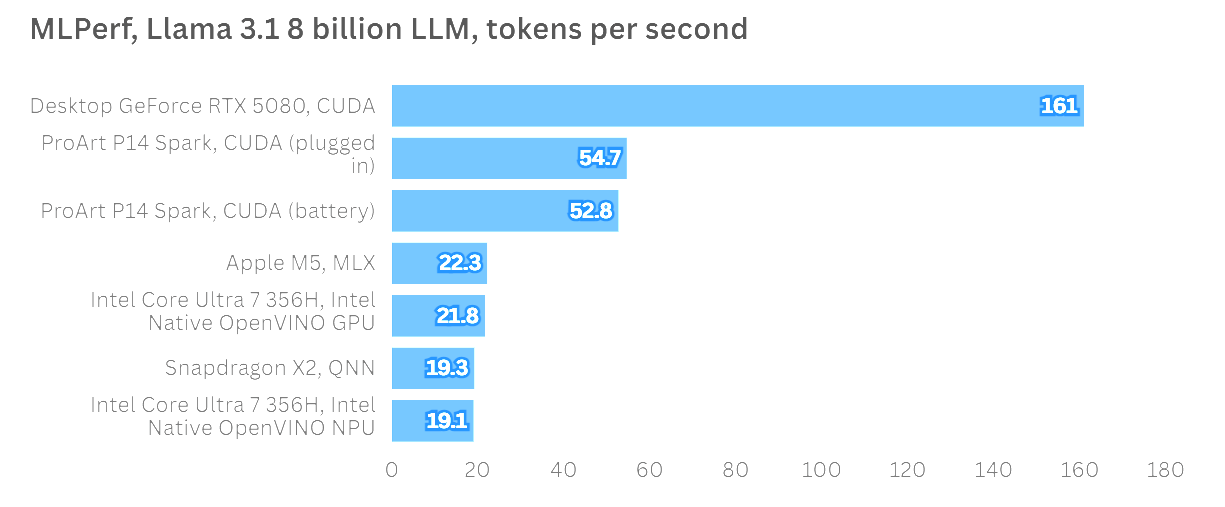
Nvidia is not marketing the RTX Spark platform primarily as a gaming or traditional creative tool, but rather as the premier hardware for AI development and the running of local "AI agents." This focus is evident in the performance metrics. In MLPerf testing, running the Llama 3.1 8 Billion Instruction LLM, the ProArt P14 produced more than twice the tokens per second (TPS) of Apple’s standard M5 chip. It also demonstrated remarkable consistency, showing virtually no performance drop-off when running on battery power compared to being plugged into a wall outlet.
In more traditional creative applications, the results are a mix of raw power and early-adoption friction. In Topaz Video AI, the P14 performed admirably, though it sat slightly behind some RTX 5070-equipped machines, likely due to a lack of specific optimization for the Spark architecture. Similarly, in ON1 Resize AI, the machine showed great potential but was occasionally held back by the current state of software translation.
For creators using Adobe’s suite, there is light at the end of the tunnel. Beta versions of Photoshop and Premiere Pro are already available with native optimization for the Spark platform. When running native software, the unified memory and Blackwell GPU allow the P14 to handle complex timelines and AI-driven image manipulation with ease. Gaming, while not the primary focus, is also a viable secondary use case; the laptop can maintain a steady 60FPS in demanding titles like Cyberpunk 2077 at native resolution, provided Nvidia’s DLSS and frame-generation technologies are utilized.
Software Compatibility and the Prism Layer
The elephant in the room for any Arm-based Windows laptop is software compatibility. The ProArt P14 runs Windows 11, which includes Microsoft’s "Prism" translation layer. Prism allows older apps designed for x86 processors to run on these new chips, but it does so with a performance overhead. While the translation is significantly better than it was in the early days of Windows on Arm, it is not perfect.
During our testing, some industry-standard benchmarks, such as certain versions of Cinebench, failed to fully recognize or utilize the Blackwell GPU. This is a temporary problem that can—and likely will—be fixed with software patches and driver updates, but it is a factor that early adopters must consider. For those whose workflow relies on niche or older plugins, the transition period may involve some frustration until native versions are released.
Price and Market Positioning
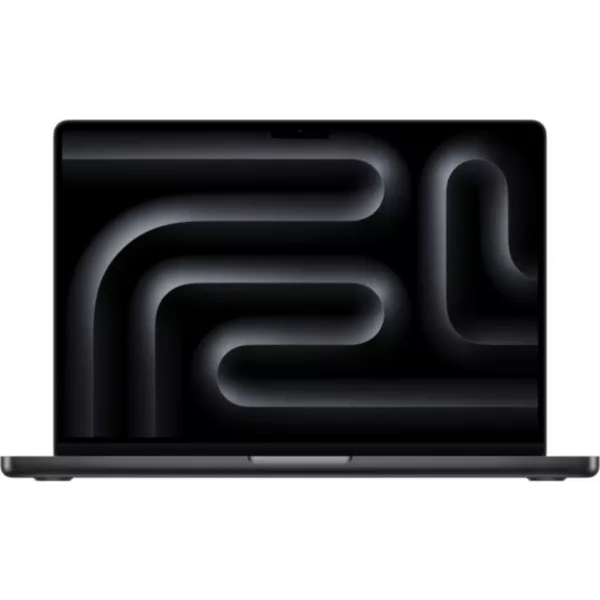
Perhaps the most significant hurdle for the ASUS ProArt P14 is its price. Starting at £2,699.99 (approximately $2,599) for the 24GB RAM model and rising to over £3,100 for the 32GB version, it occupies the most expensive tier of the 14-inch laptop market. This puts it in direct competition with the MacBook Pro M5 Max, which offers a more established software ecosystem and equally impressive hardware.
The high cost is a reflection of the expensive components within—specifically the high-bandwidth unified memory and the cutting-edge Blackwell GPU. However, for many creatives, the "AI premium" might feel steep, especially when traditional x86 laptops with similar graphical "punch" can be found for significantly less, albeit with the trade-off of worse battery life and a bulkier chassis.
Final Verdict: Who Is the ProArt P14 For?
The ASUS ProArt P14 is a machine built for the "early adopter" professional. It is designed for those who see the shift toward local AI processing as the next great frontier in creative work. If your workflow involves running local LLMs, developing AI agents, or utilizing the latest generative tools in Adobe’s beta software, the P14 offers a glimpse into a future where your laptop is as much a specialized AI workstation as it is a computer.
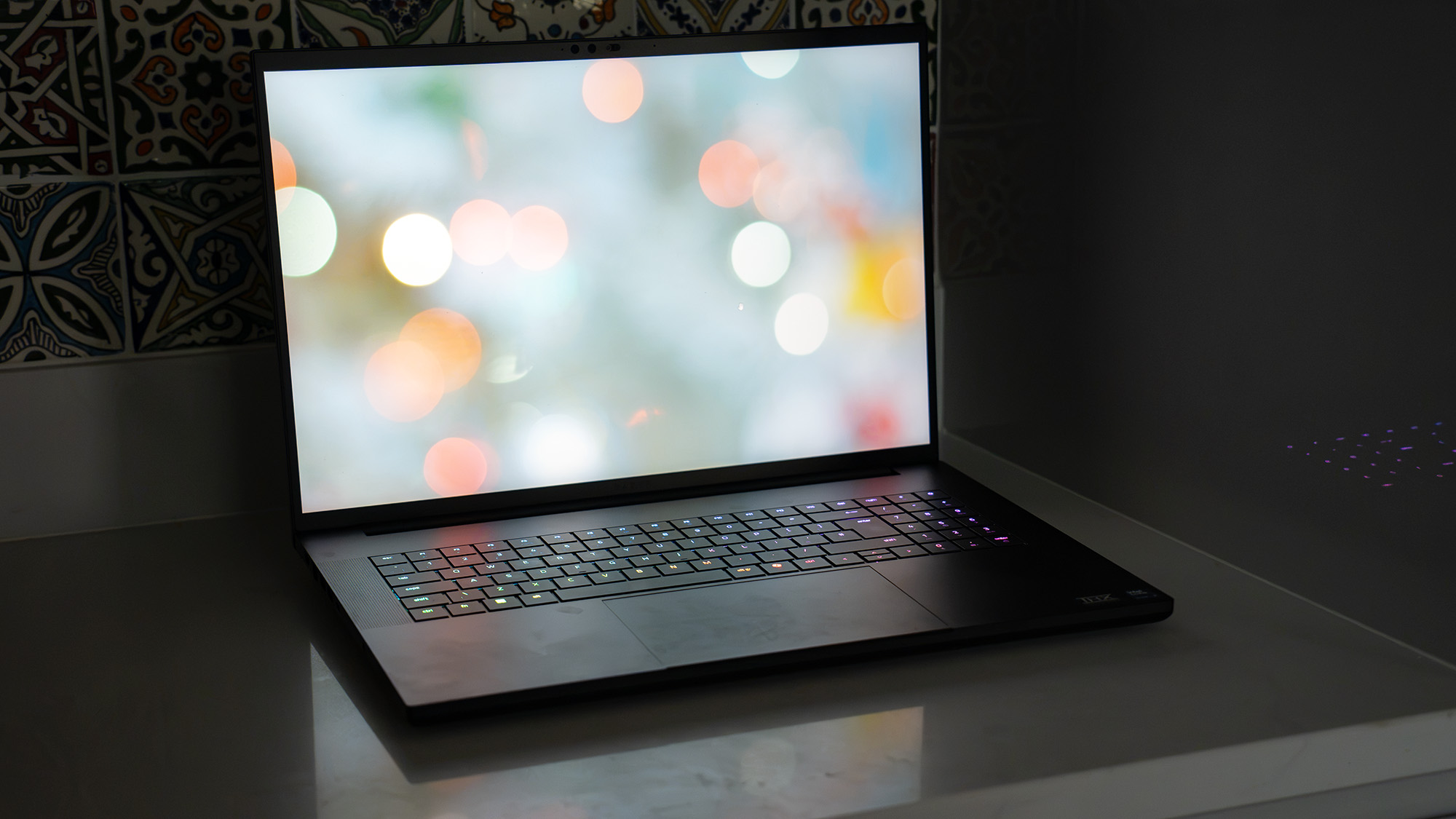
For the traditional video editor or graphic designer, the choice is more complex. The P14 is an objectively excellent piece of hardware—it is thin, light, powerful, and possesses a stunning display. However, the current software compatibility issues and the high entry price mean that for many, it may be worth waiting for the ecosystem to mature.
Ultimately, the ProArt P14 proves that Nvidia’s RTX Spark platform has the potential to be the answer to many creatives’ prayers: a Windows-based rival to Apple’s silicon that doesn’t compromise on graphical power. It is a bold, beautifully built, and highly capable machine that is just a few software updates away from greatness.