

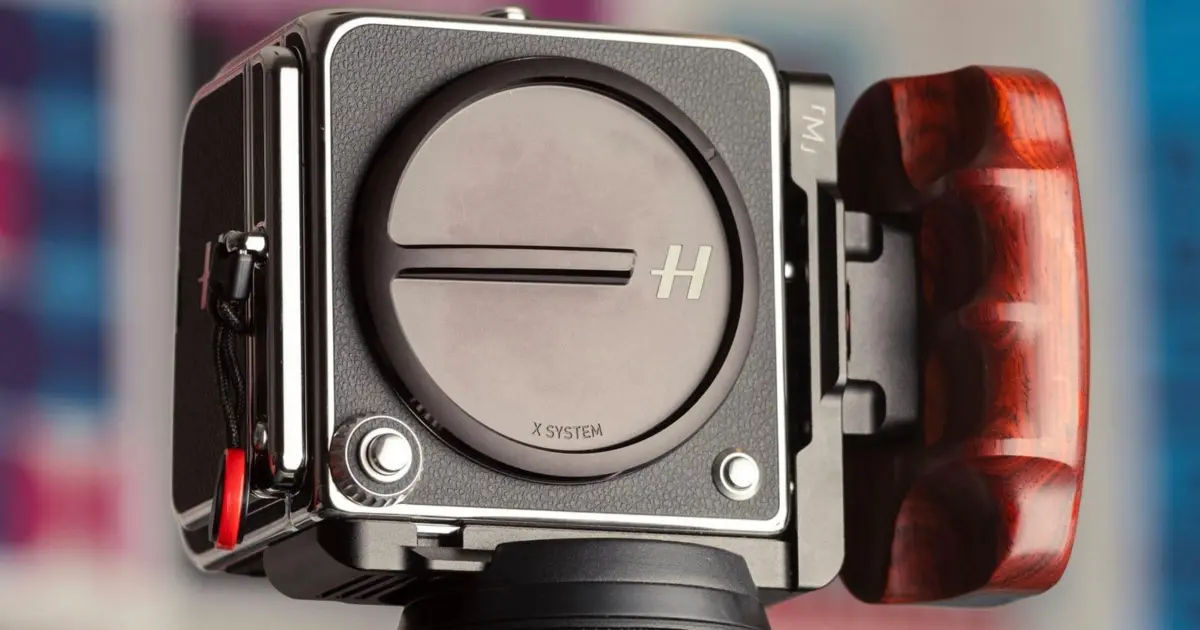
The reputation of Hasselblad is not merely built on marketing; it is forged from decades of meticulous engineering and a commitment to optical excellence that few manufacturers can claim. When a photographer picks up a modern Hasselblad, they are holding a product designed for the "best of the best." From the robust build of the camera bodies to the tactile satisfaction of the grips, every element feels intentional. The optical quality is frequently cited as superior even to Leica’s legendary glass, and the color science remains arguably unmatched in the digital age.
Beyond the hardware, the user interface is a masterclass in restraint, offering a menu system that is simple and direct. The company’s mobile ecosystem, specifically the Phocus Mobile 2 app, stands as a benchmark for the industry, outperforming even the highly regarded Leica FOTOS app in terms of stability and workflow integration. This modern excellence is underpinned by a heritage that is nothing short of legendary—this is, after all, the camera system that documented humanity’s first steps on the lunar surface.
However, in the pursuit of perfection, even a titan like Hasselblad has room to grow. While the V-system offered what many consider the definitive film-shooting experience, the transition to the digital frontier brings new challenges. As the company continues to iterate on its digital backs and mirrorless bodies, such as the X2D 100C and the 907X/CFV 100C combination, certain friction points in the user experience have emerged. After extensive real-world testing and comparison with contemporary rivals like the Leica Q3 and the Fujifilm GFX series, it becomes clear that a few firmware refinements and design adjustments could elevate the 907X system from excellent to truly flawless.
1. 907X Rotary Dial Customization
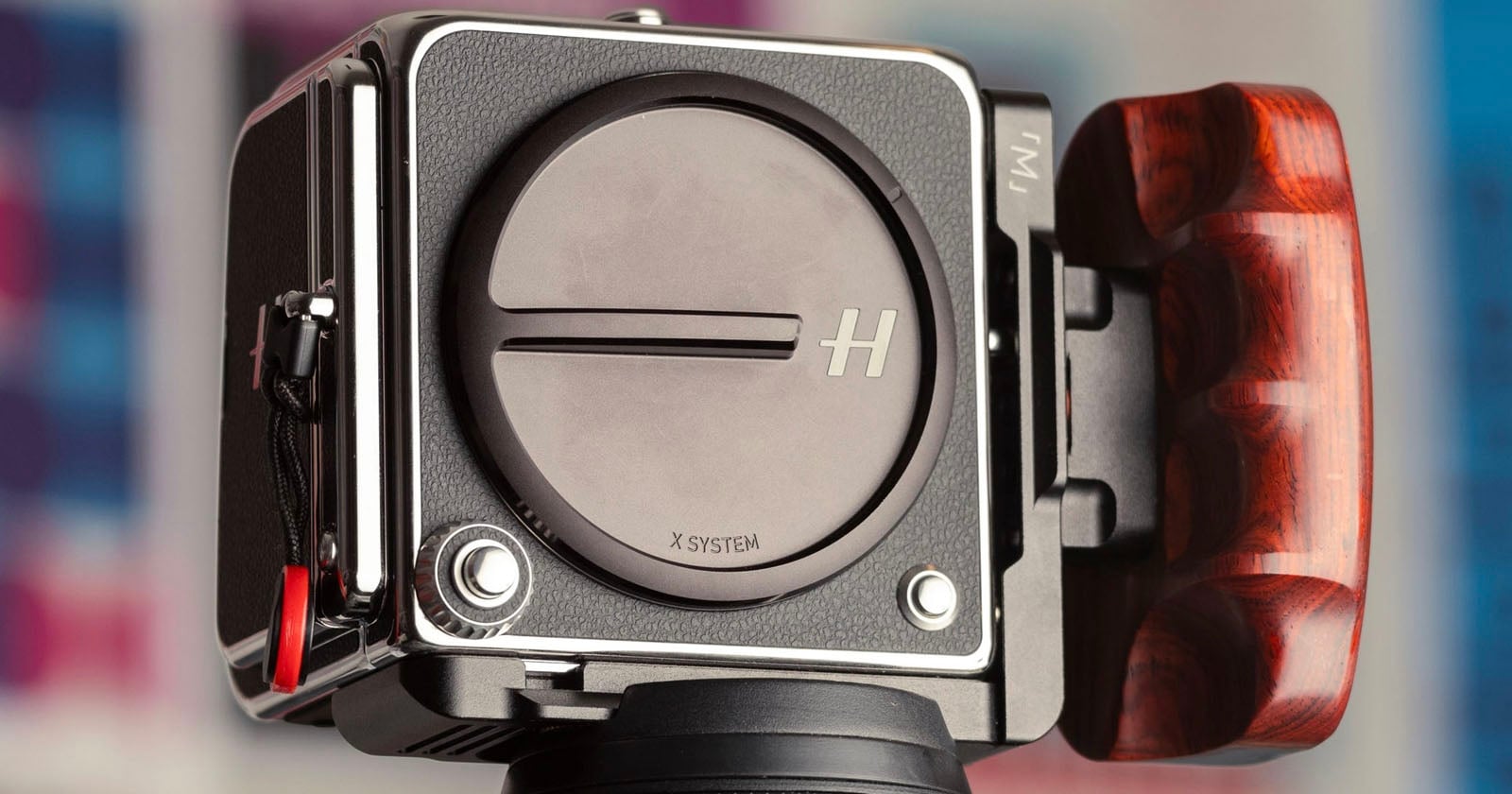
One of the most significant ergonomic hurdles in the current 907X ecosystem involves the rotary dial surrounding the shutter button. In its current state, the dial’s functionality feels unnecessarily restrictive. When operating the camera in Aperture Priority, the dial controls the aperture; in Shutter Priority, it controls the shutter speed. This is standard behavior that most photographers find intuitive.
The frustration arises in Manual mode. By default, the rotary dial is locked to aperture control. If a photographer wishes to adjust the shutter speed, they must press and hold a secondary Function (Fn) button located on the right side of the camera while simultaneously turning the dial. This "hold and turn" requirement is cumbersome and slows down the shooting process significantly.
A more elegant solution would be to allow this button to operate in a "Toggle" mode rather than a "Hold" mode. A simple press could switch the dial’s primary function between aperture and shutter speed. Furthermore, for users who invest in XCD lenses equipped with dedicated physical aperture rings, the rotary dial becomes redundant for aperture control. Hasselblad should allow users to rebind the dial to shutter speed by default, enabling a dual-tactile workflow where one hand manages the lens ring and the other manages the body dial. Adding the ability to reverse the rotation direction (clockwise vs. counter-clockwise) would further allow photographers to tailor the camera to their established muscle memory.
2. Haptic Feedback and Audible Leveling
Hasselblad cameras are a staple for landscape and architectural photographers, professionals who demand absolute precision in framing. While the digital "Spirit Level" (an electronic accelerometer) is a helpful tool, it has practical limitations. When shooting in bright, direct sunlight, the fine details of the LCD screen—including the electronic bubble level—can become difficult to see clearly.